
Examples Panel
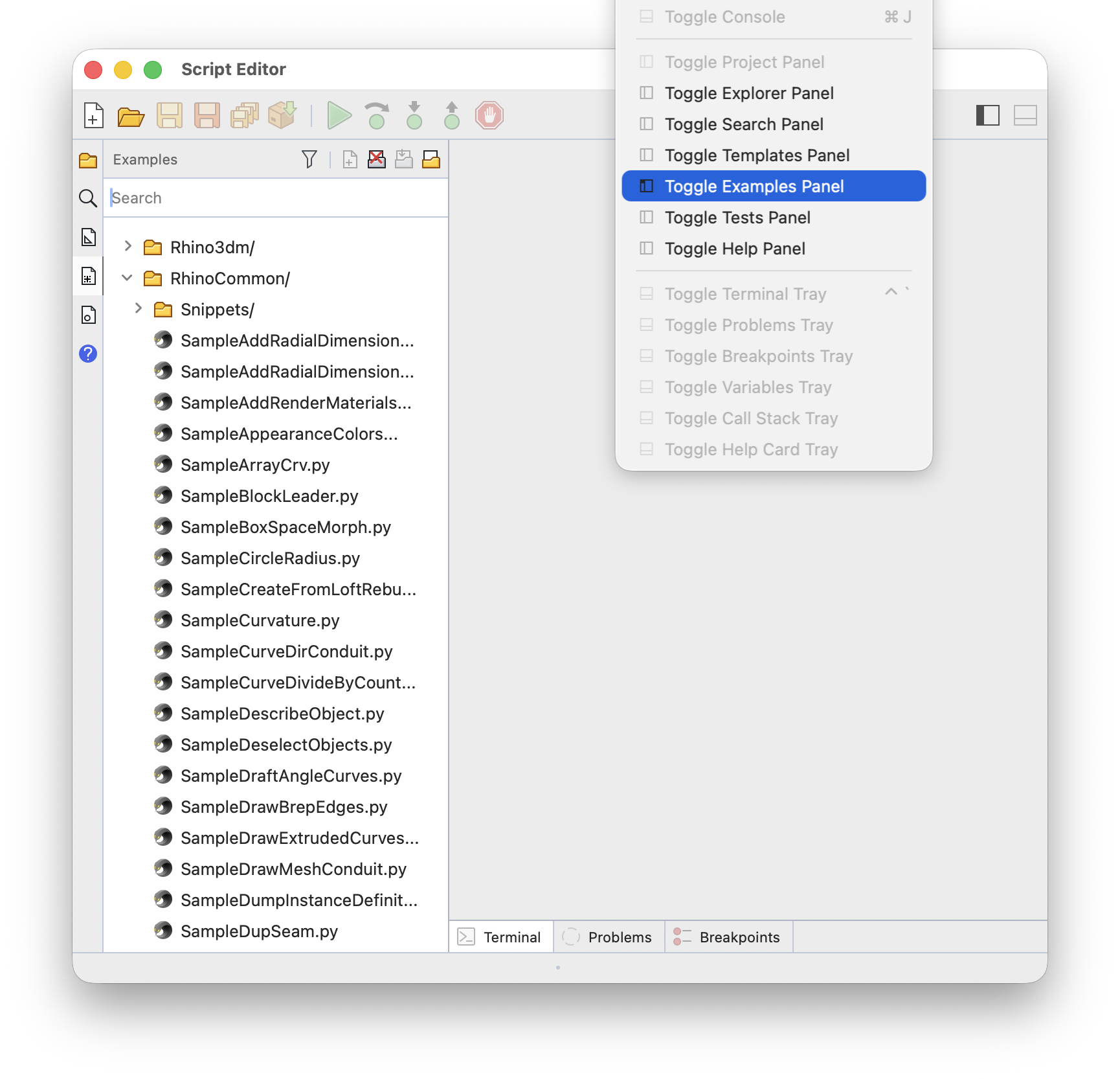
The Examples panel browses example scripts you can start from. Choose Window > Toggle Examples Panel to show or hide it:
Rhino Examples
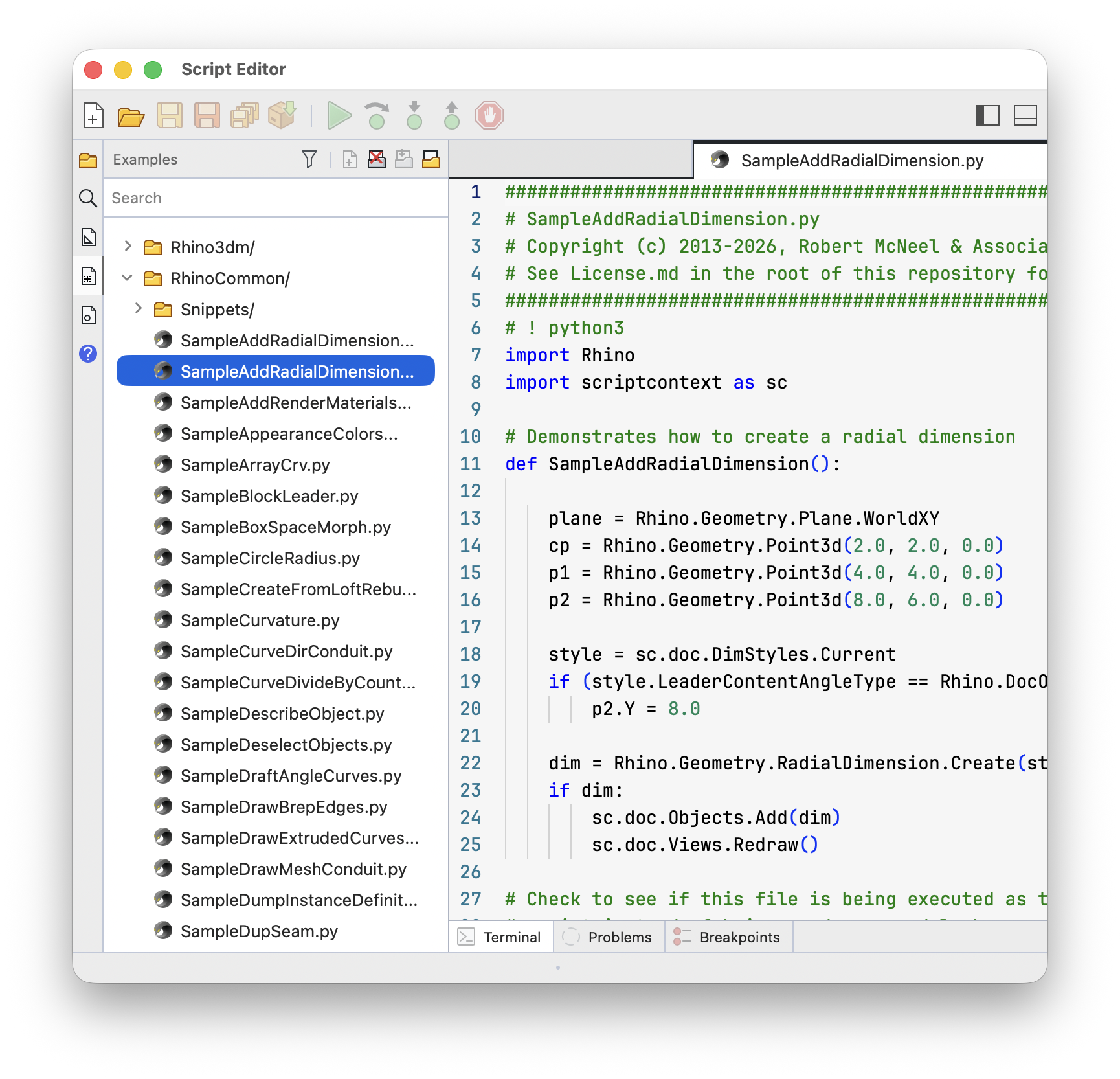
Choose Download Rhino Examples on the panel header to download and browse the example scripts published by McNeel. Click the > in front of a folder to expand it:
Your Own Examples
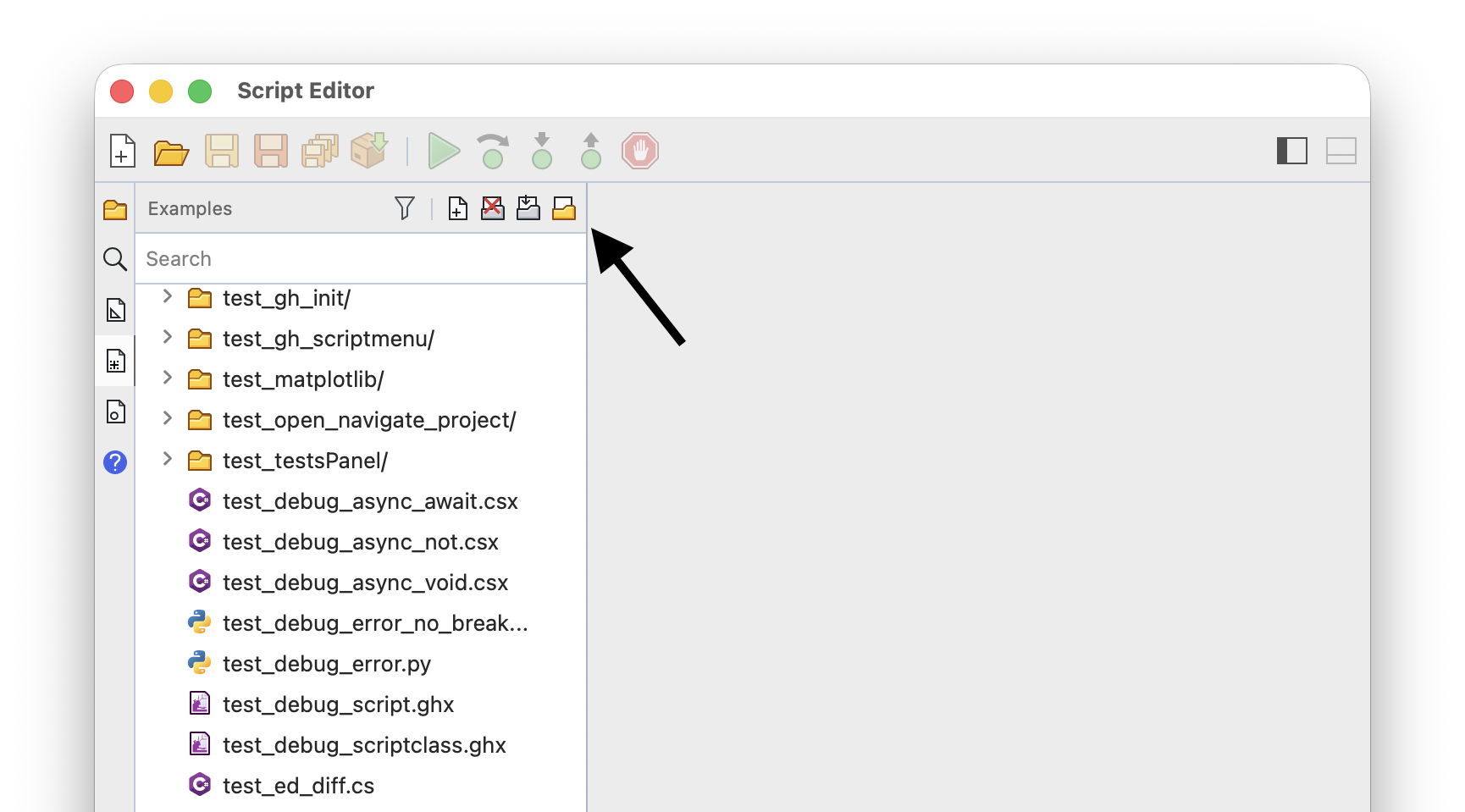
Use Open Examples Directory to browse a directory of your own example scripts instead, and Clear Examples Browser to empty the panel:
New Script From Example
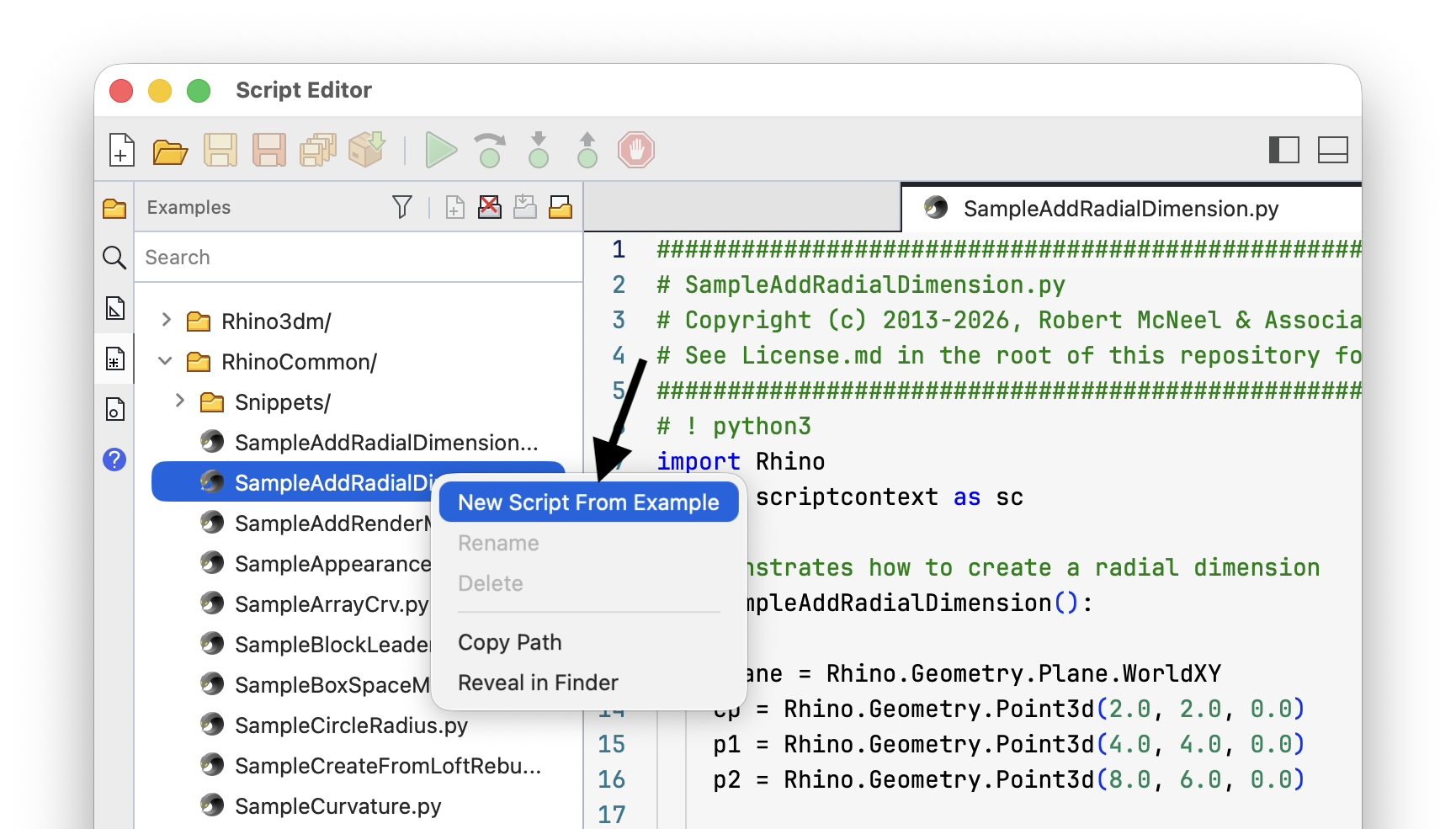
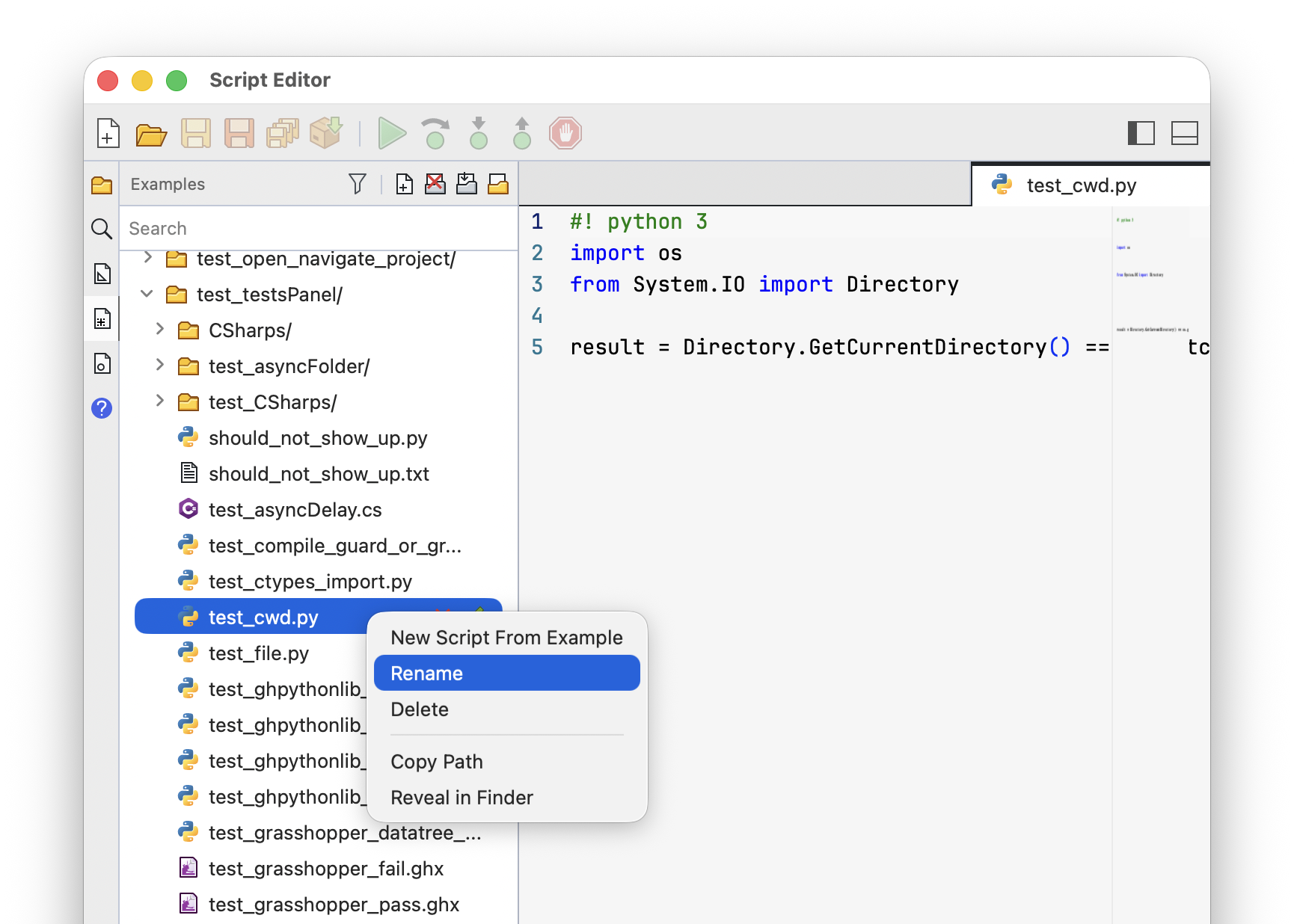
Double-click an example to create a new script from it. The new script is a copy, so the example stays unchanged. You can also right-click and choose New Script From Example:
Searching and Filtering
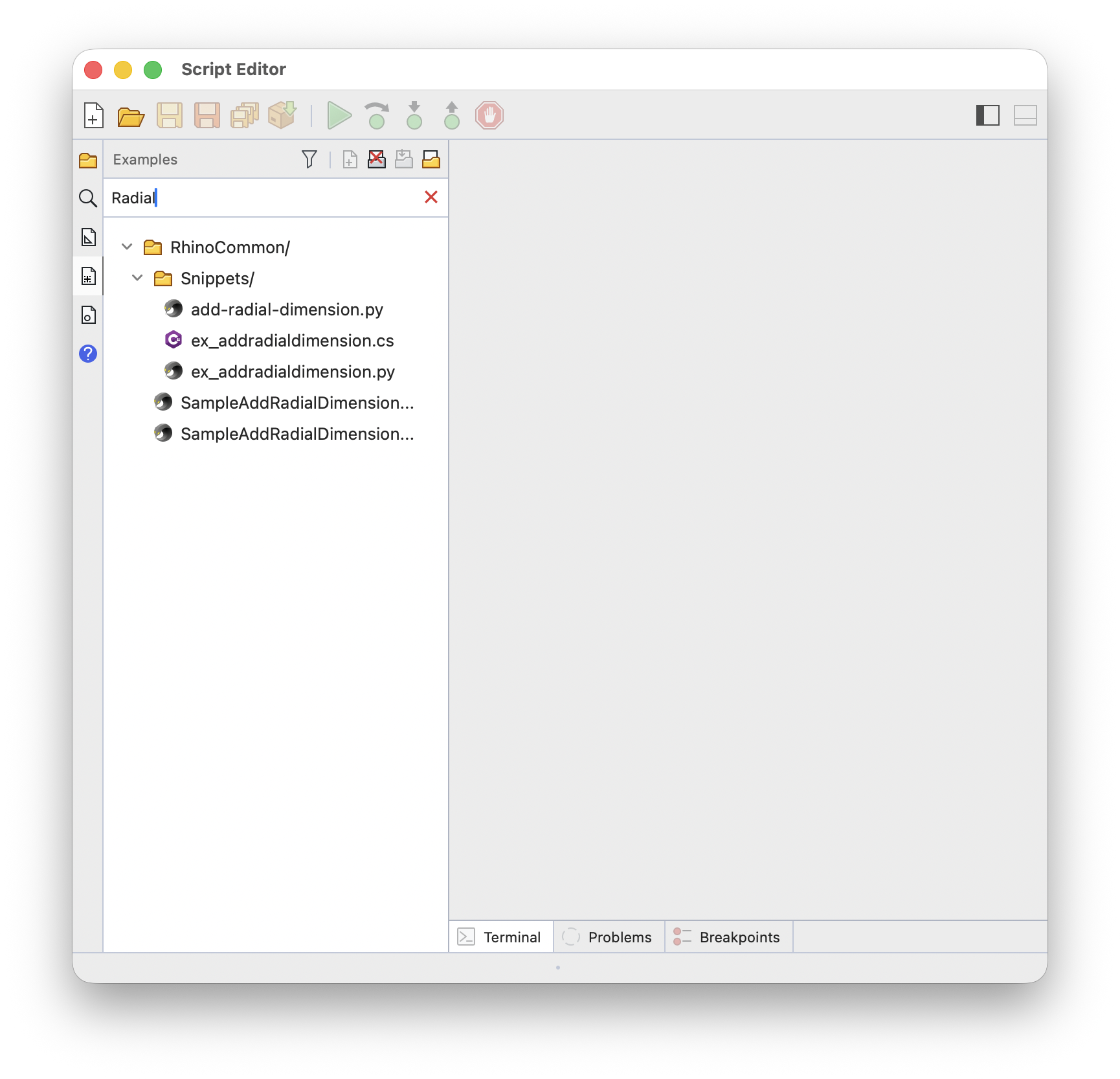
Type in the search box to list only the examples with matching names. Use Filter on the panel header to list examples of one language only:
Adding, Renaming, and Deleting
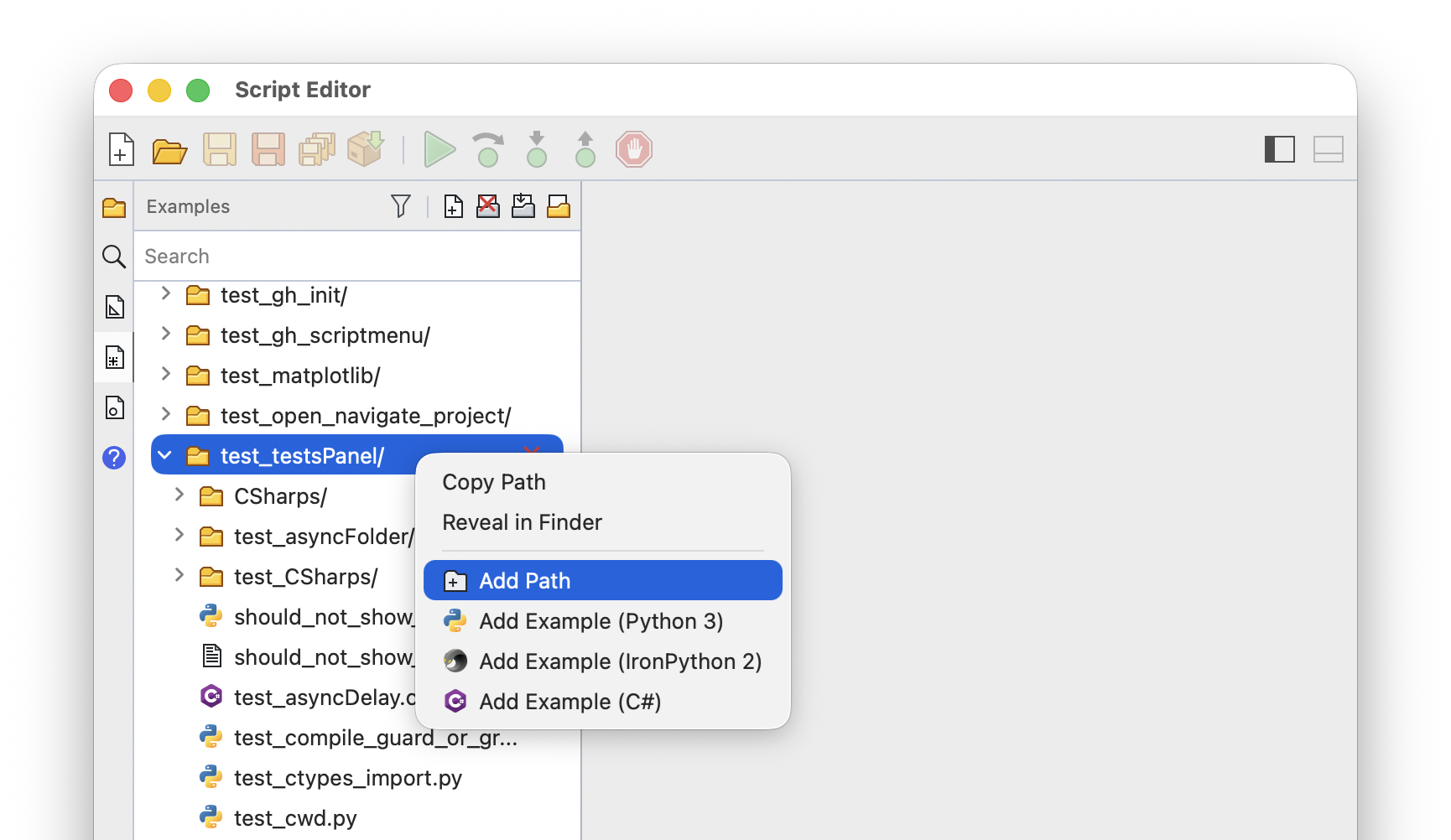
In your own examples directory, right-click a folder and choose Add Path for a new folder, or Add Example for a new example of that language. Right-click an example to Rename or Delete it. Both menus also offer Copy Path and Reveal in Finder (Reveal in File Explorer on Windows):
These commands are not available while browsing the Rhino examples.