
Help Panel
The Help panel lists the libraries available to your scripts and lets you search them. Choose Help > Toggle Help Panel to show or hide it. Libraries are loaded the first time the panel is opened:
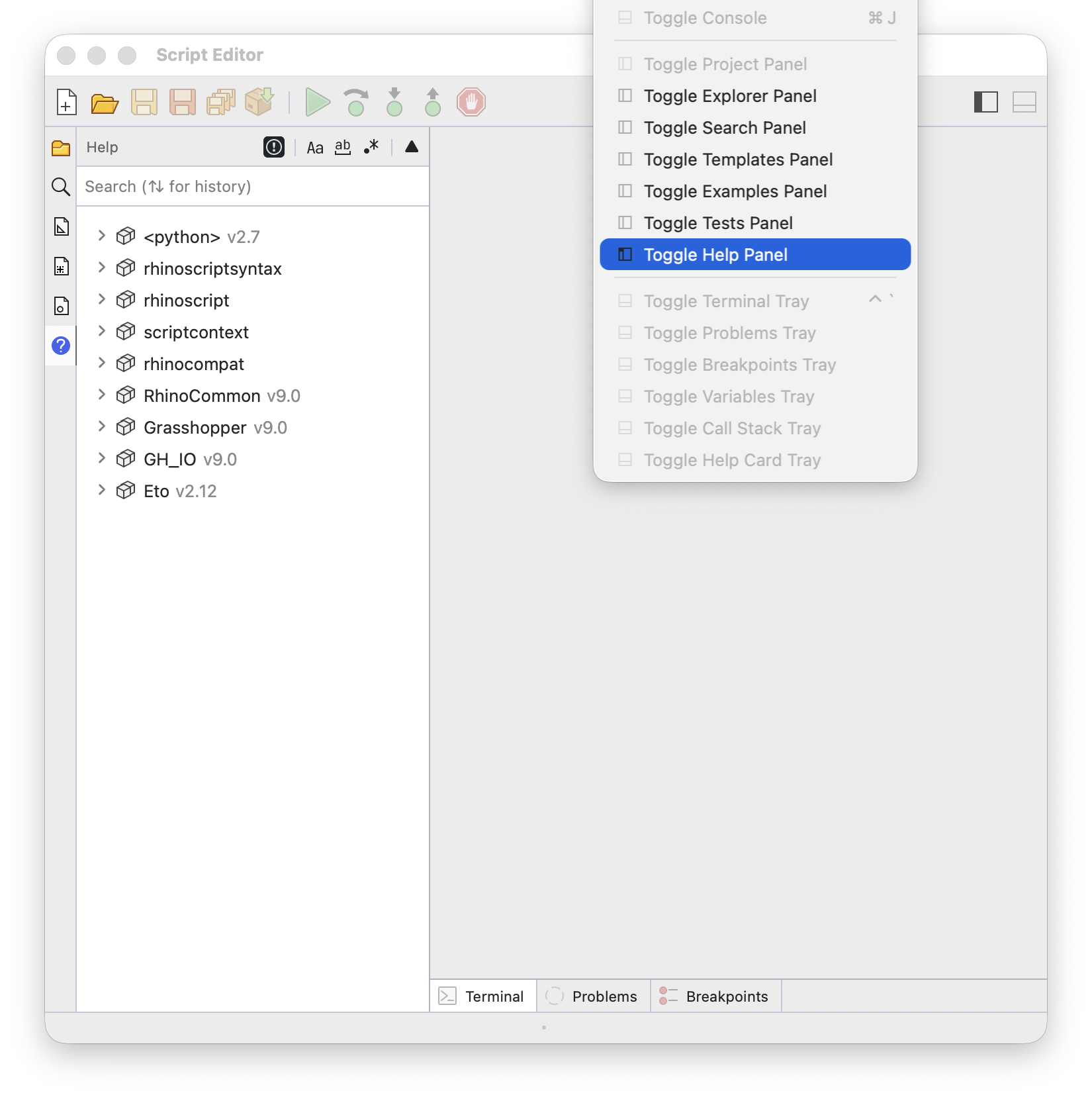
Libraries
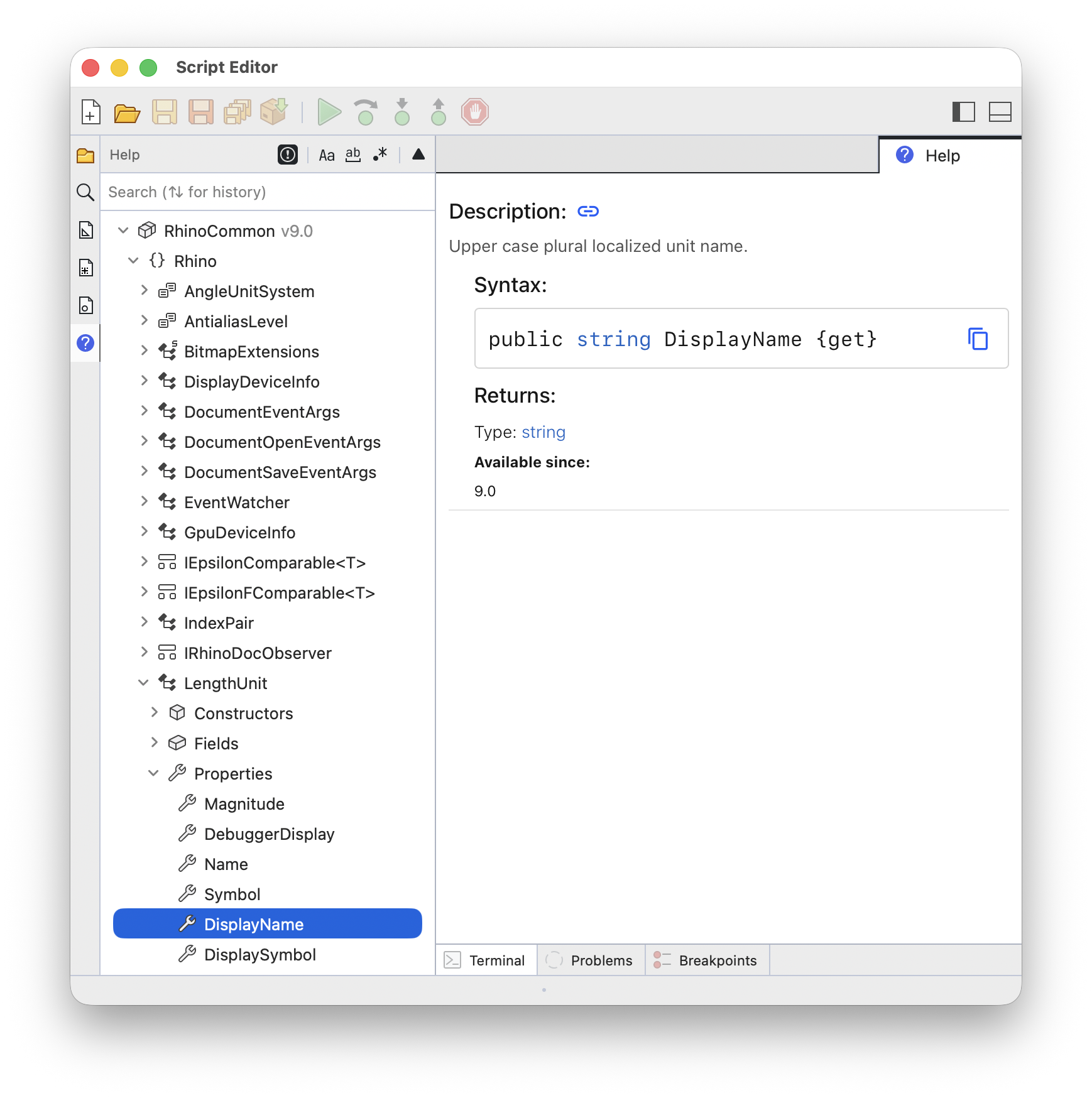
The tree has three levels:
- Libraries at the top level, with their version
- Modules, Namespaces, and Classes in between
- Entries at the bottom: functions, methods, properties, and other members
Python scripts also list rhinoscriptsyntax, rhinoscript, scriptcontext, and rhinocompat. Rhino and Grasshopper libraries are listed last:
Searching
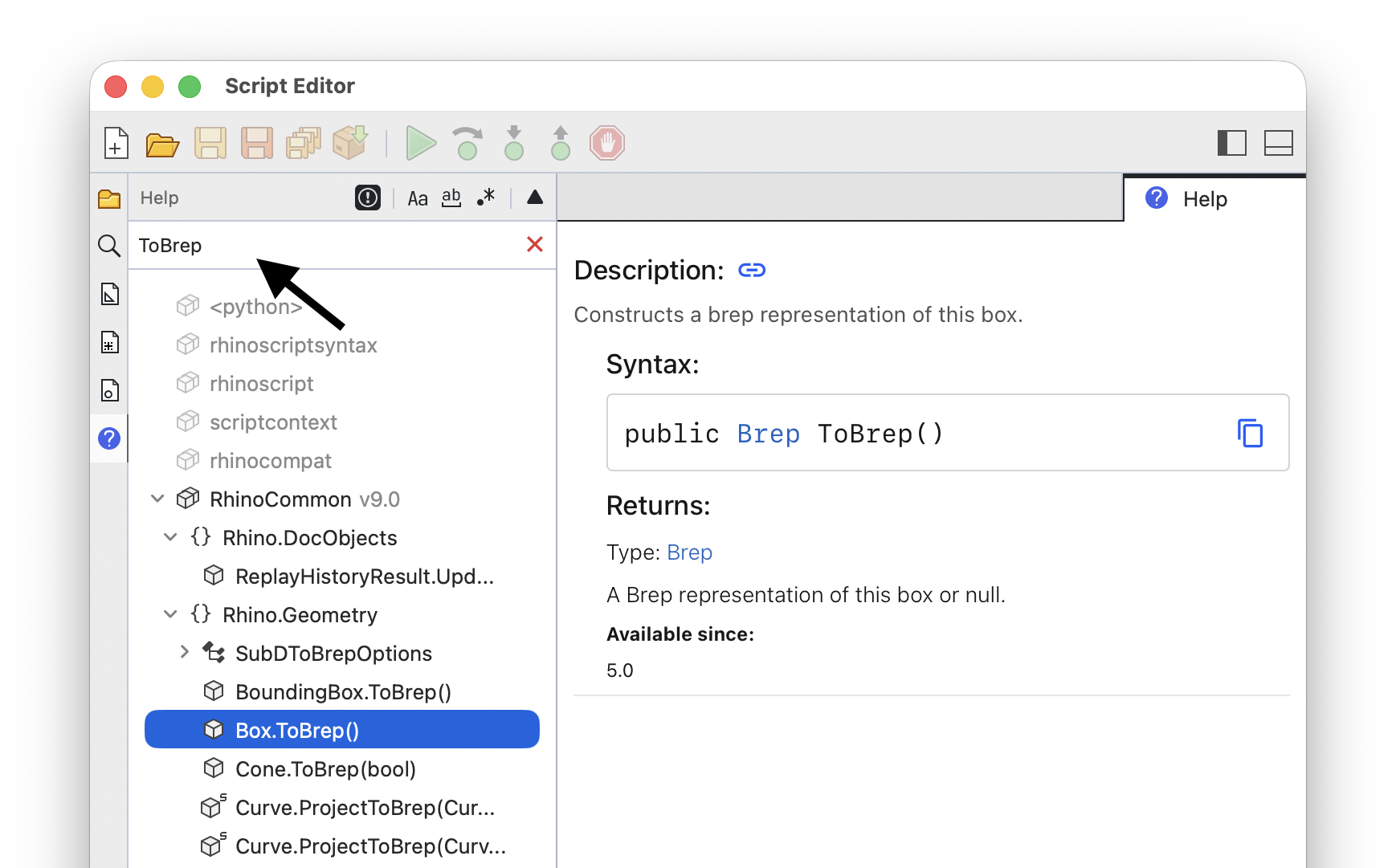
Type in the search box to filter all libraries at once. Matching items are expanded, and libraries without a match are grayed out. Use the toggles on the panel header to change how the search term is matched:
- Match Case
- Match Whole Word
- Regular Expressions
Press the Up or Down arrow keys in the search box to step through your previous search terms. The search term and expanded items are remembered between sessions:
Reading Documentation
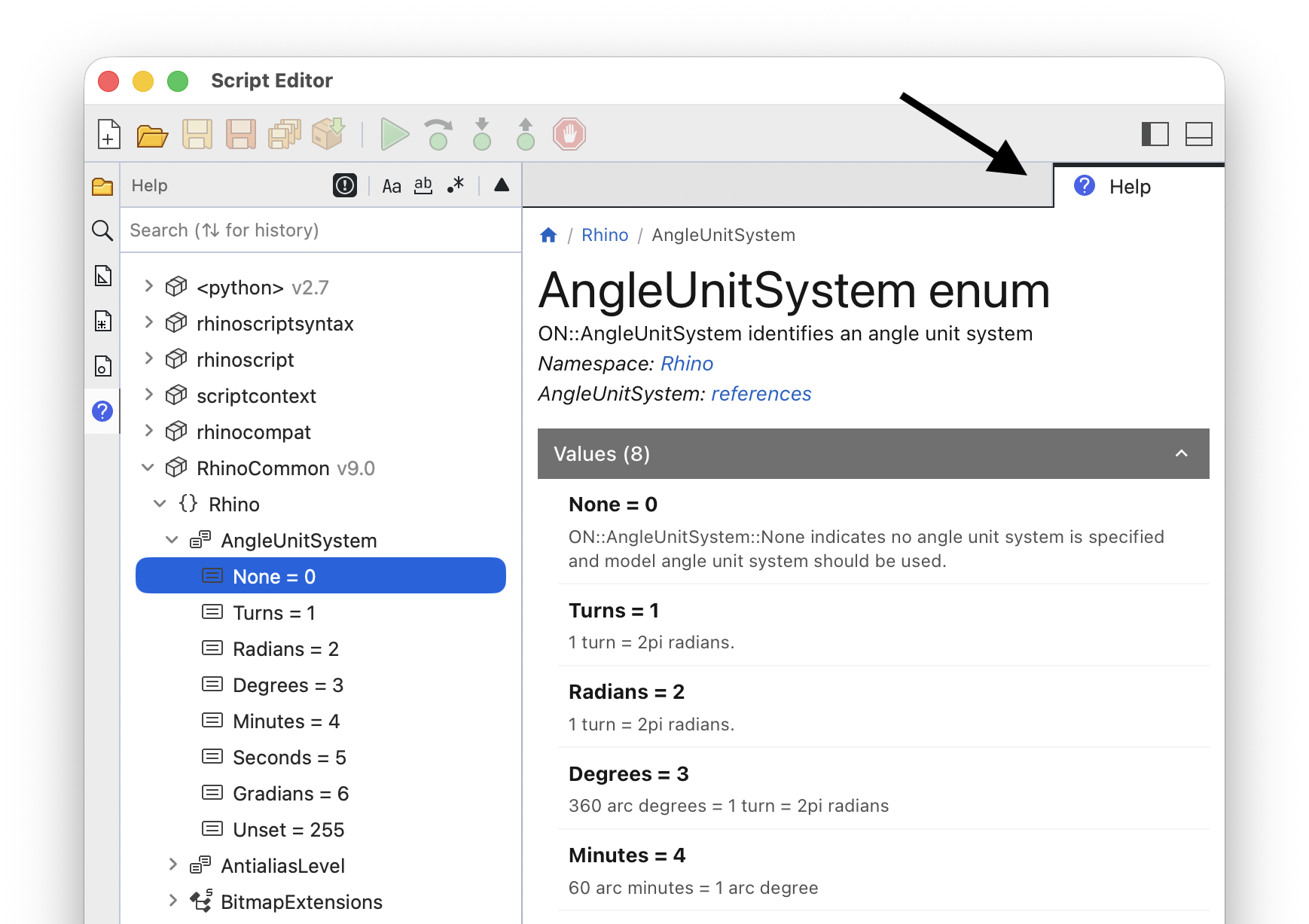
Select an entry to see its documentation. Entries that have an online documentation page open in a Help tab next to your script tabs:
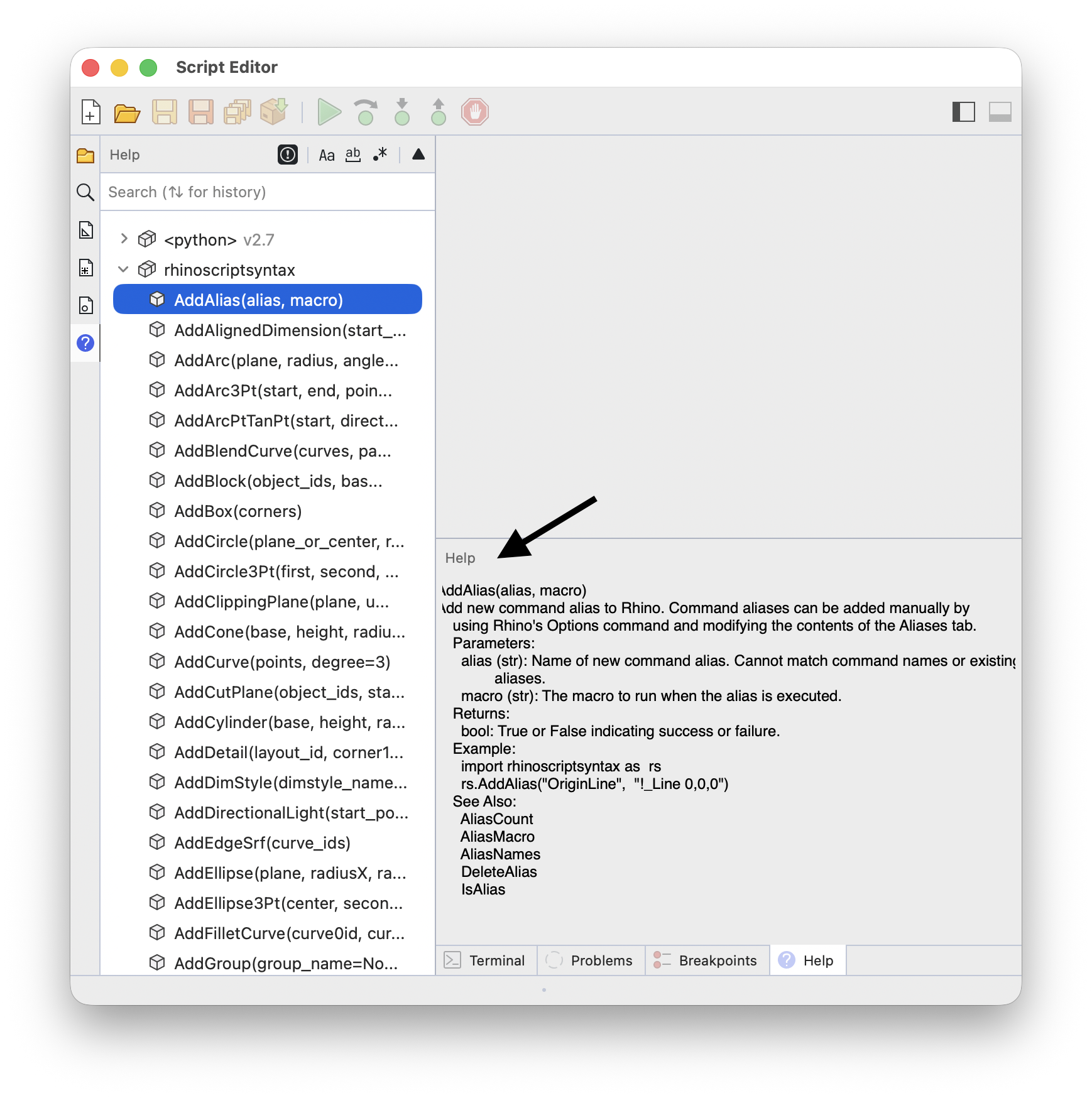
Entries that only have a description are shown in the help card next to the Terminal, so your script stays open:
Older Rhino Libraries
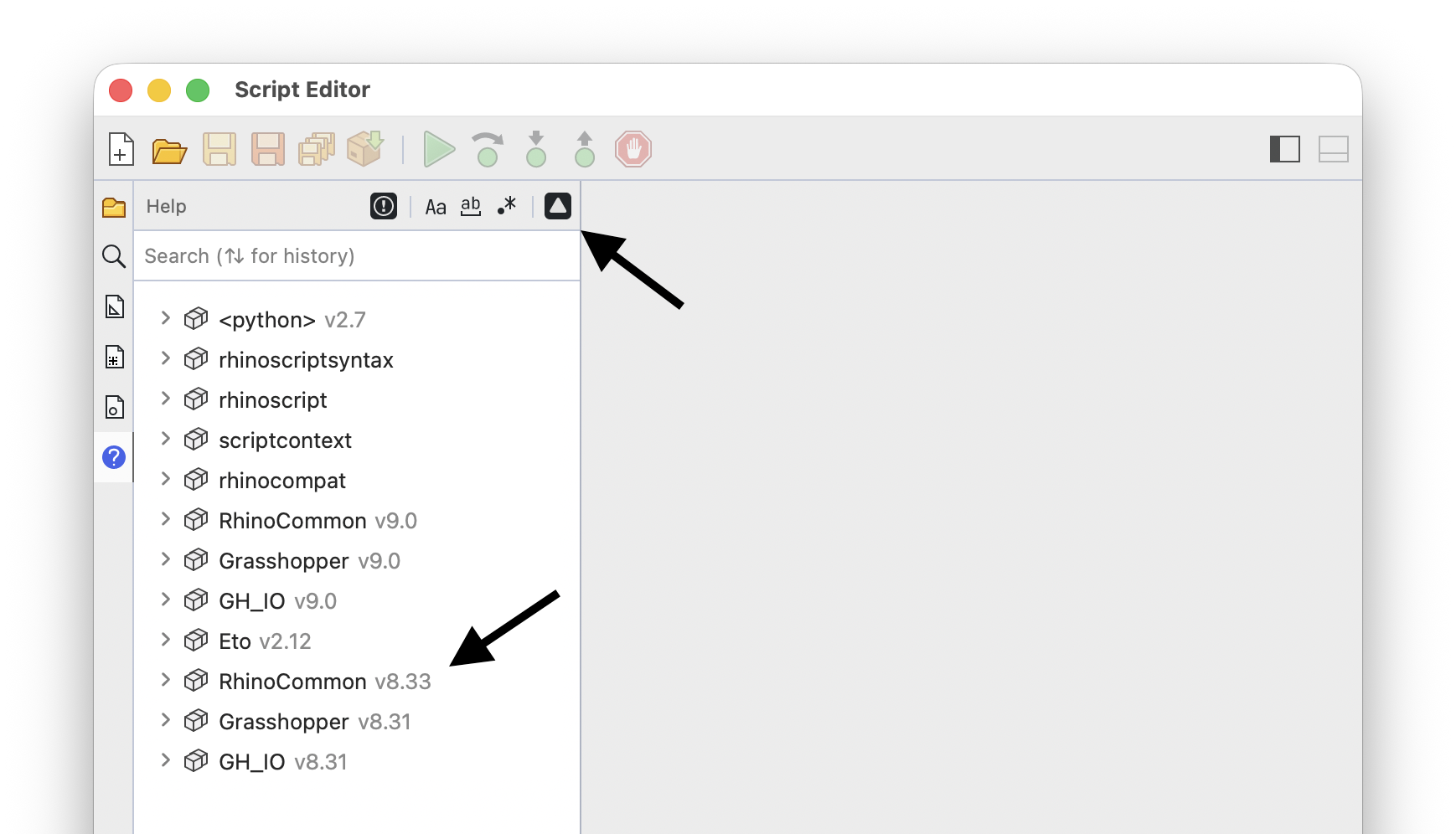
Choose Help > Toggle Rhino 7 Libraries in Help to also list the libraries of the previous Rhino version:
Tip Dots
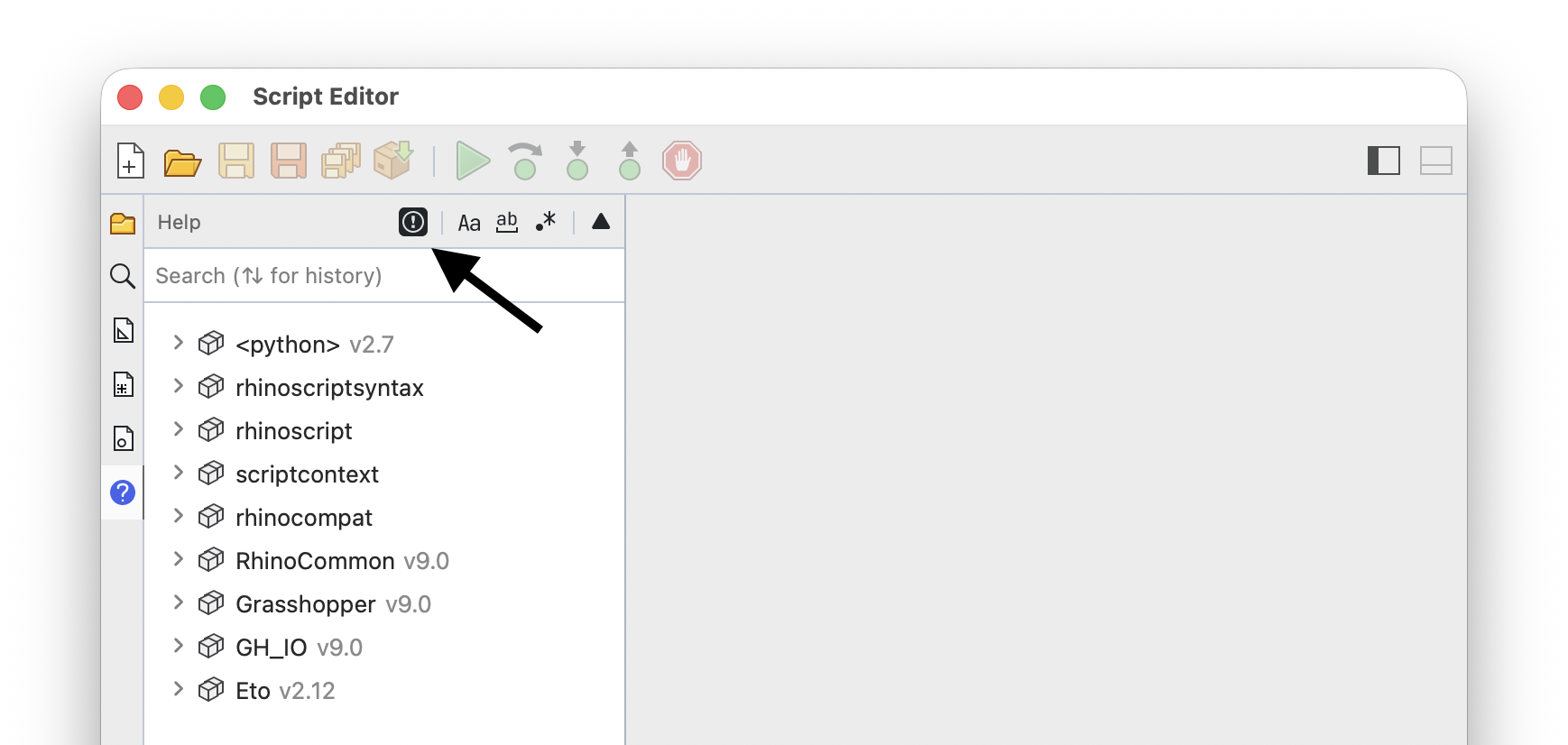
Choose Help > Toggle Tip Dots to show or hide tip dots on editor controls and dialogs. This is an editor-wide option and is not specific to the help panel:
Online Help
The Help menu also links to online resources:
| Help > Help Topics | RhinoScriptSyntax API |
| Help > Scripting Guide | Scripting Guides |
| Help > Acknowledgments | Script Editor Acknowledgments |
These items are listed when editing a Python script:
| Help > Rhino.Python Fundamentals | RhinoScriptSyntax API |
| Help > Rhino.Python Online | Rhino.Python Guides |
| Help > Rhino.Python Samples | Rhino.Python Samples |
| Help > Scripting Discussion on Discourse | Scripting Forum |