Problems Panel
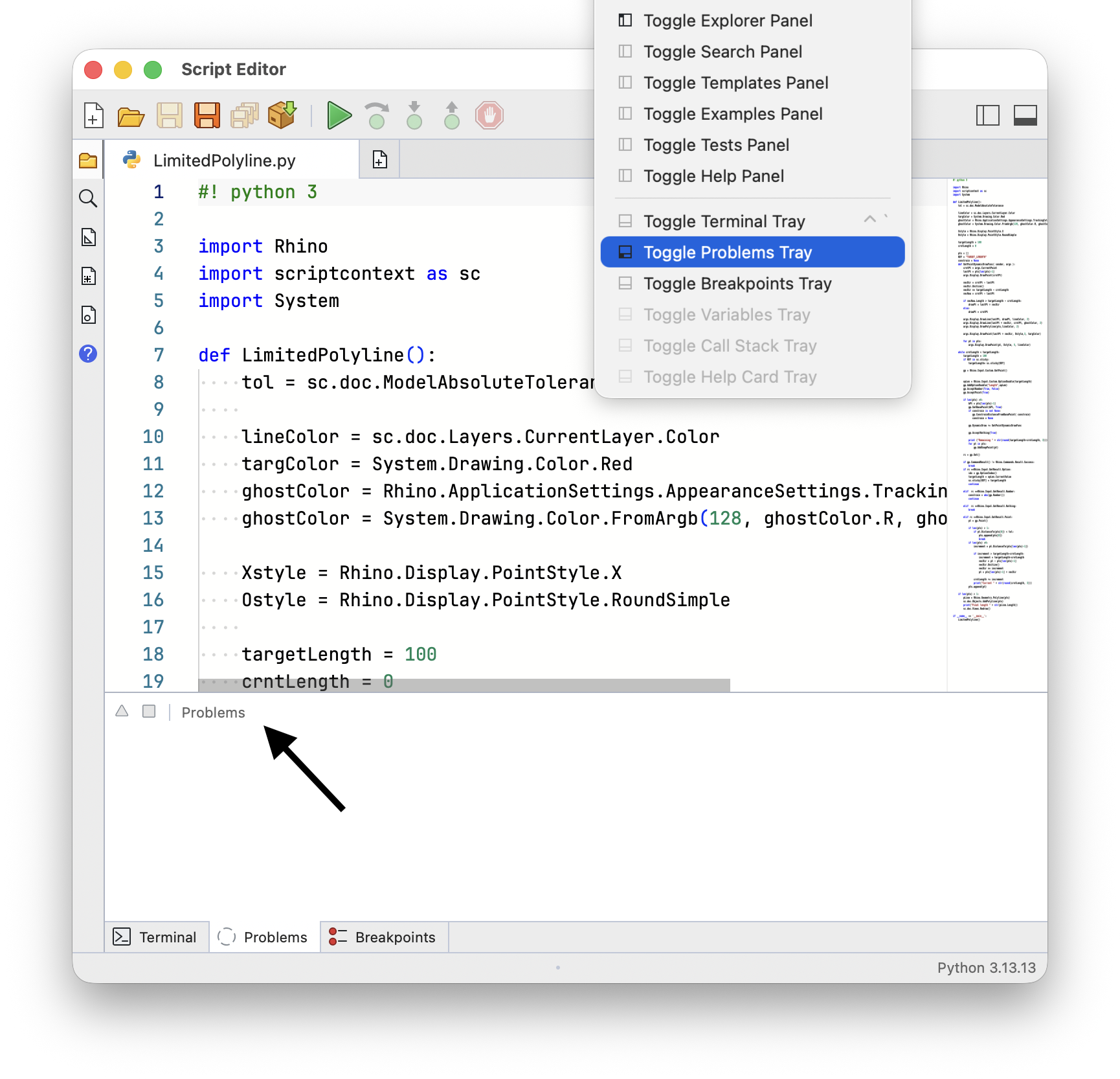
The Problems panel lists the problems found in your script as you type. Choose Window > Toggle Problems Tray or click the Problems tab to show or hide it.
The panel lists problems of the current script only, and its title shows how many were found:
These are not execution errors. Errors reported while running a script are printed on the Terminal.
Problems
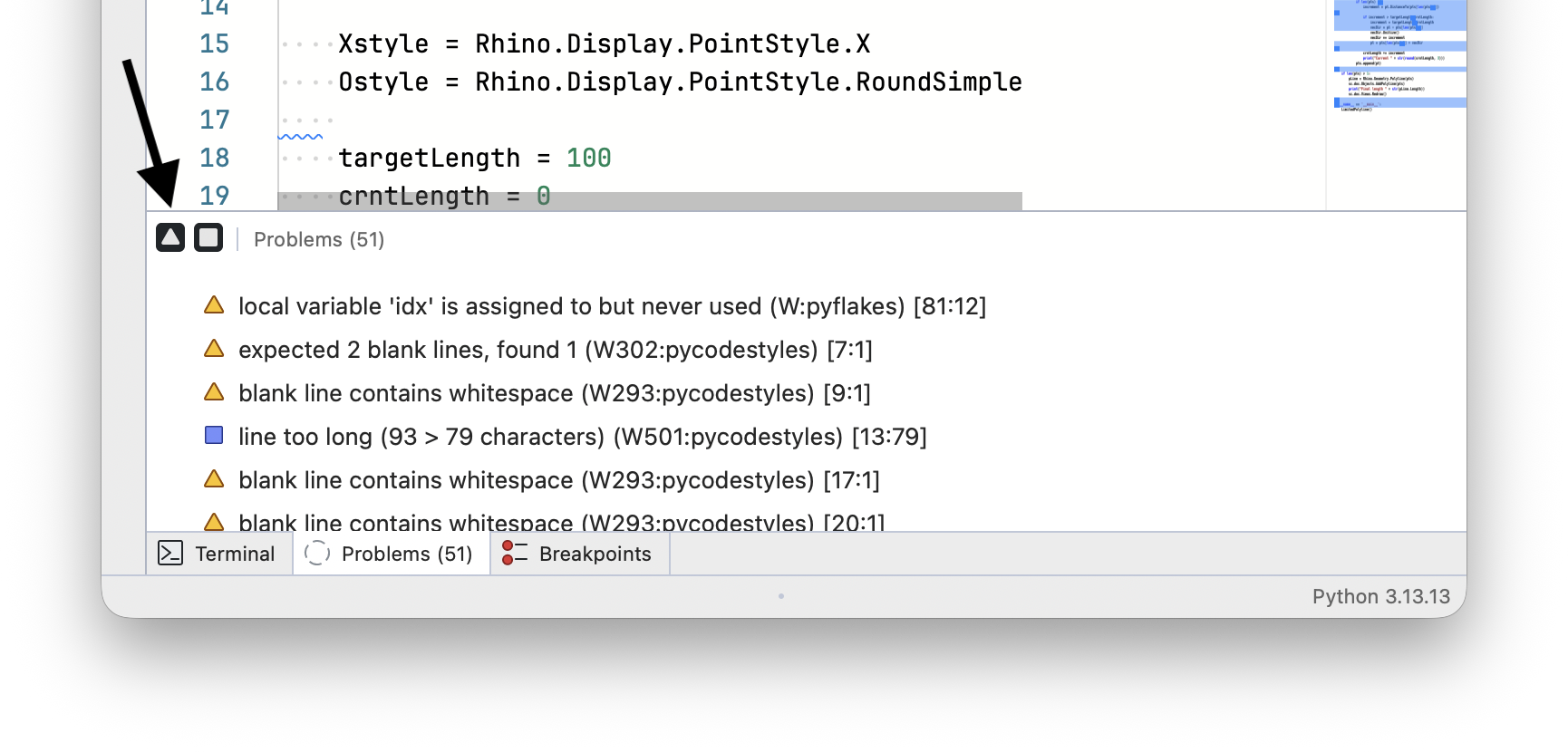
Each problem shows an icon for its severity, the message, the message id, and where it is in the script. Hover over a problem to see the full message. Select a problem to go to its line. If the problem belongs to another open script, that script is opened first:

Warnings and Info Messages
Only errors are listed by default. Use the two toggles on the panel header to also list warnings and info messages:
- Toggle Warnings Messages
- Toggle Info Messages
Both toggles are remembered between sessions:
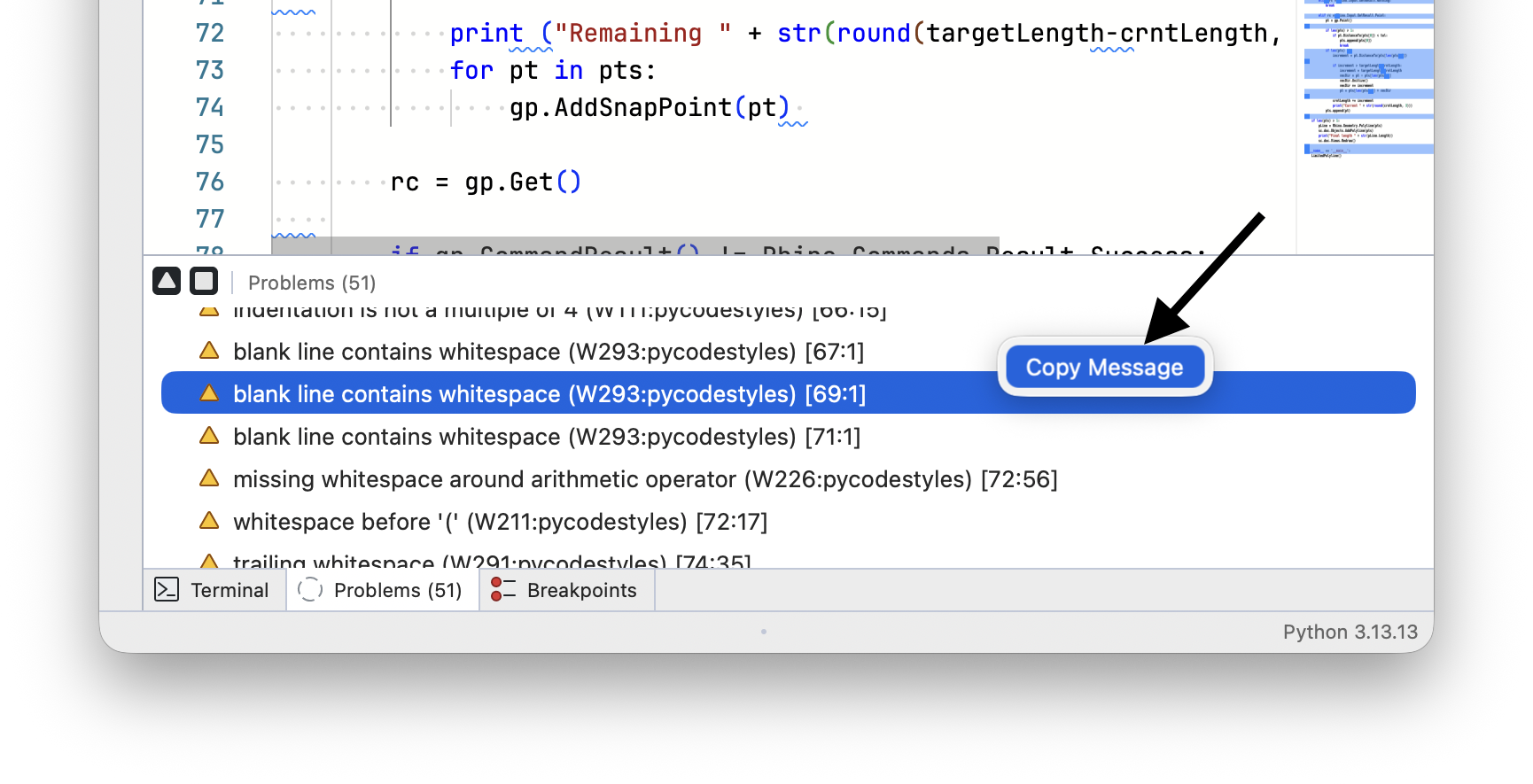
Copy Message
Right-click a problem and choose Copy Message to copy its message to the clipboard:
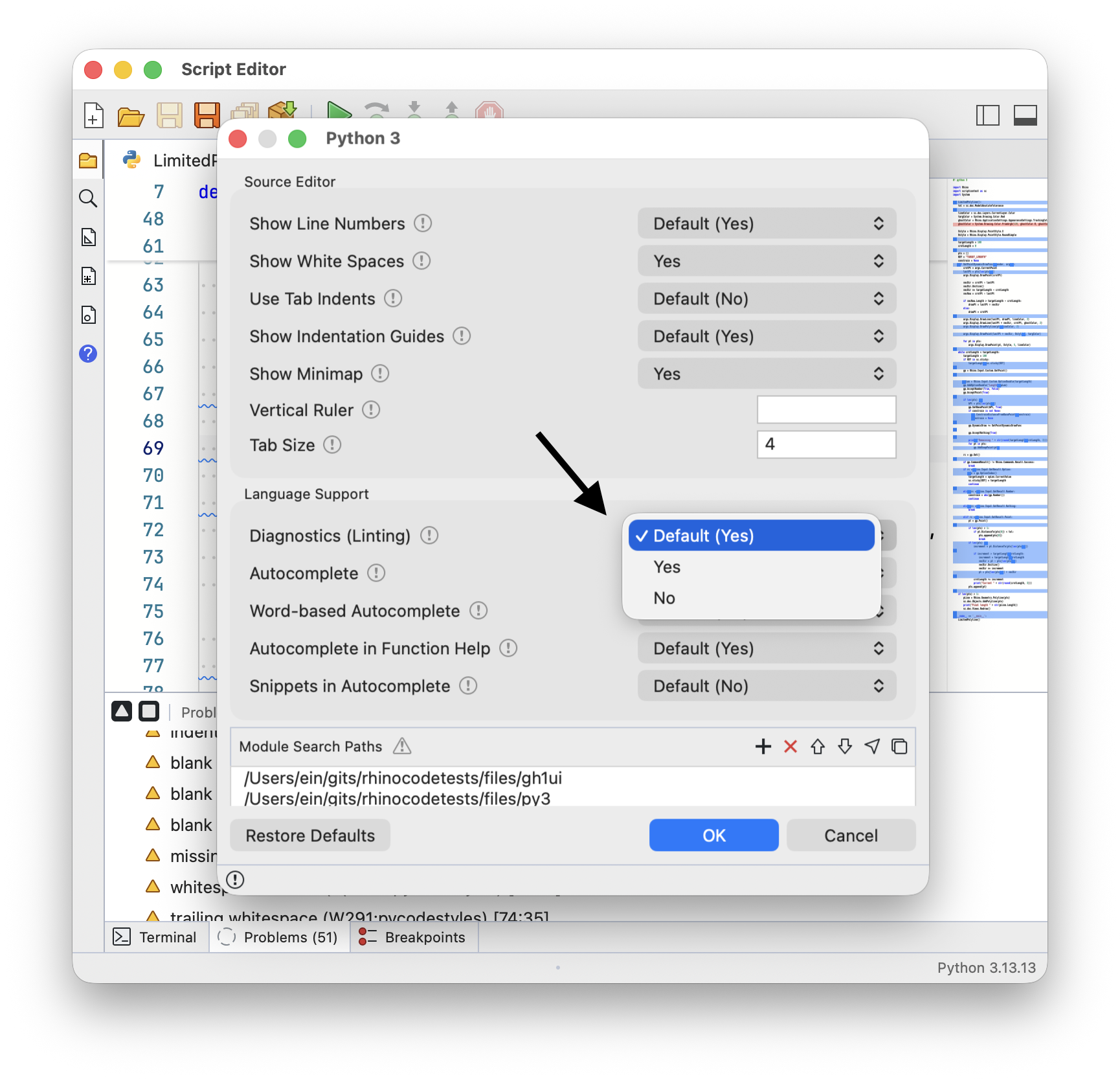
Turning Diagnostics Off
Problems are collected by the language linter. Turn off Diagnostics (Linting) in Editing Options to stop collecting them. The script is no longer highlighted and the panel stays empty. Show Hints controls hint messages separately: