Search & Replace
The Search & Replace panel finds text in the script you are editing. Choose Window > Toggle Search Panel to show or hide it.
Type in the search box and the matches are listed under the script they were found in:
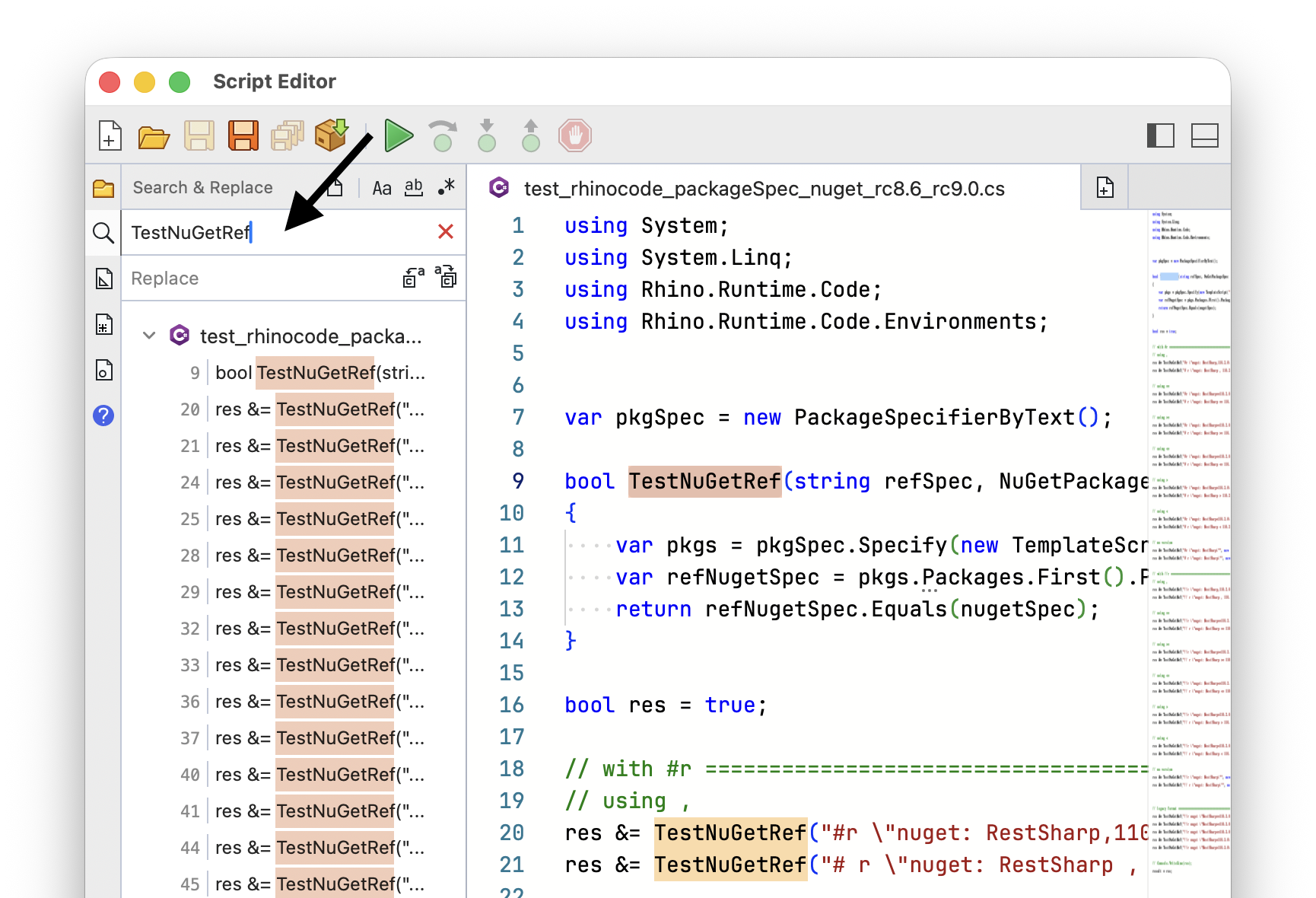
Select a script to switch to it, or select a match to go to it in the editor.
Search Options
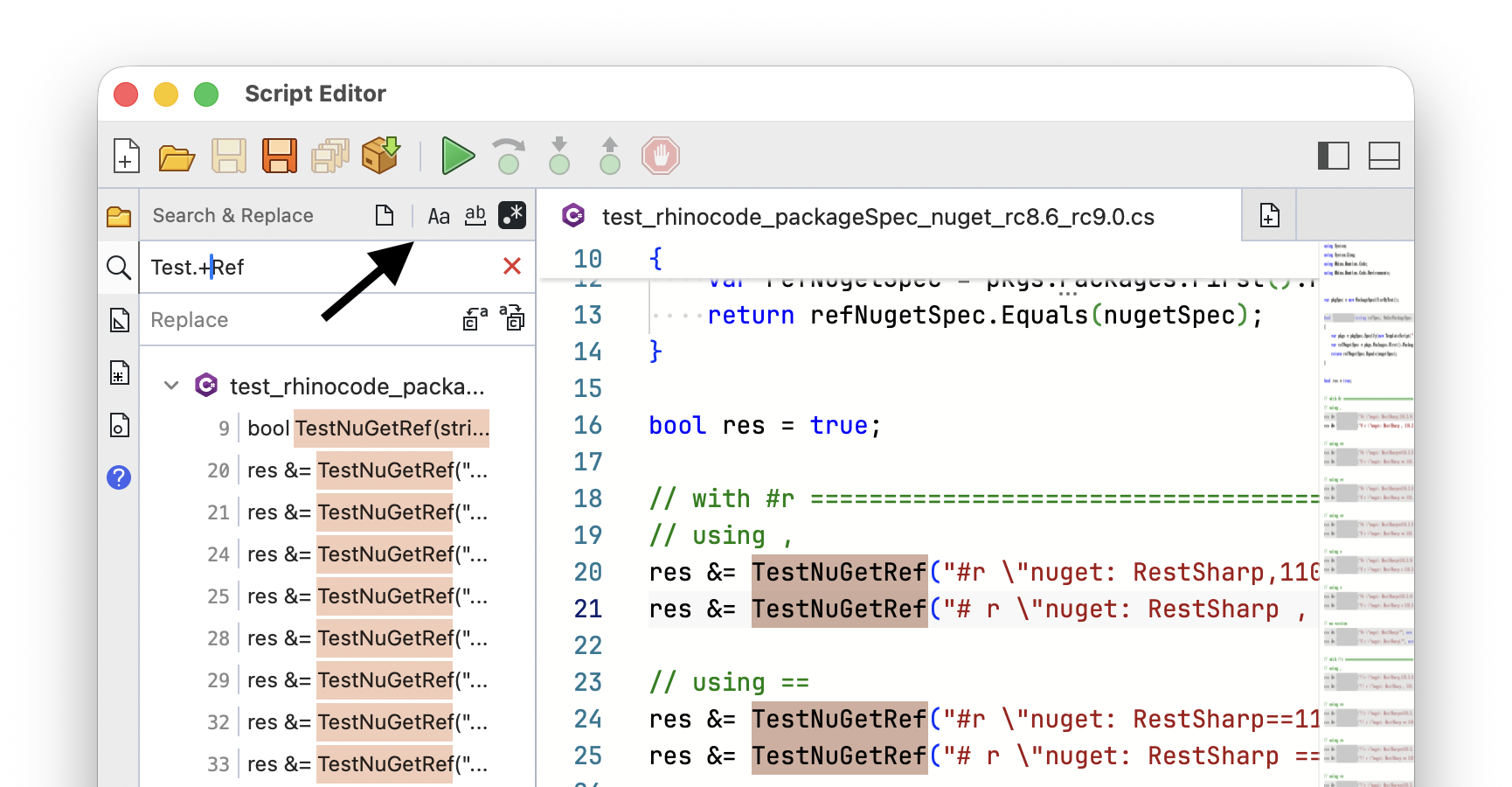
Use the toggles on the panel header to change how the search term is matched:
- Match Case
- Match Whole Word
- Regular Expressions
Press the Up or Down arrow keys in the search box to step through your previous search terms. Find Previous and Find Next move between matches, and Clear Search empties the results:
Searching All Open Scripts
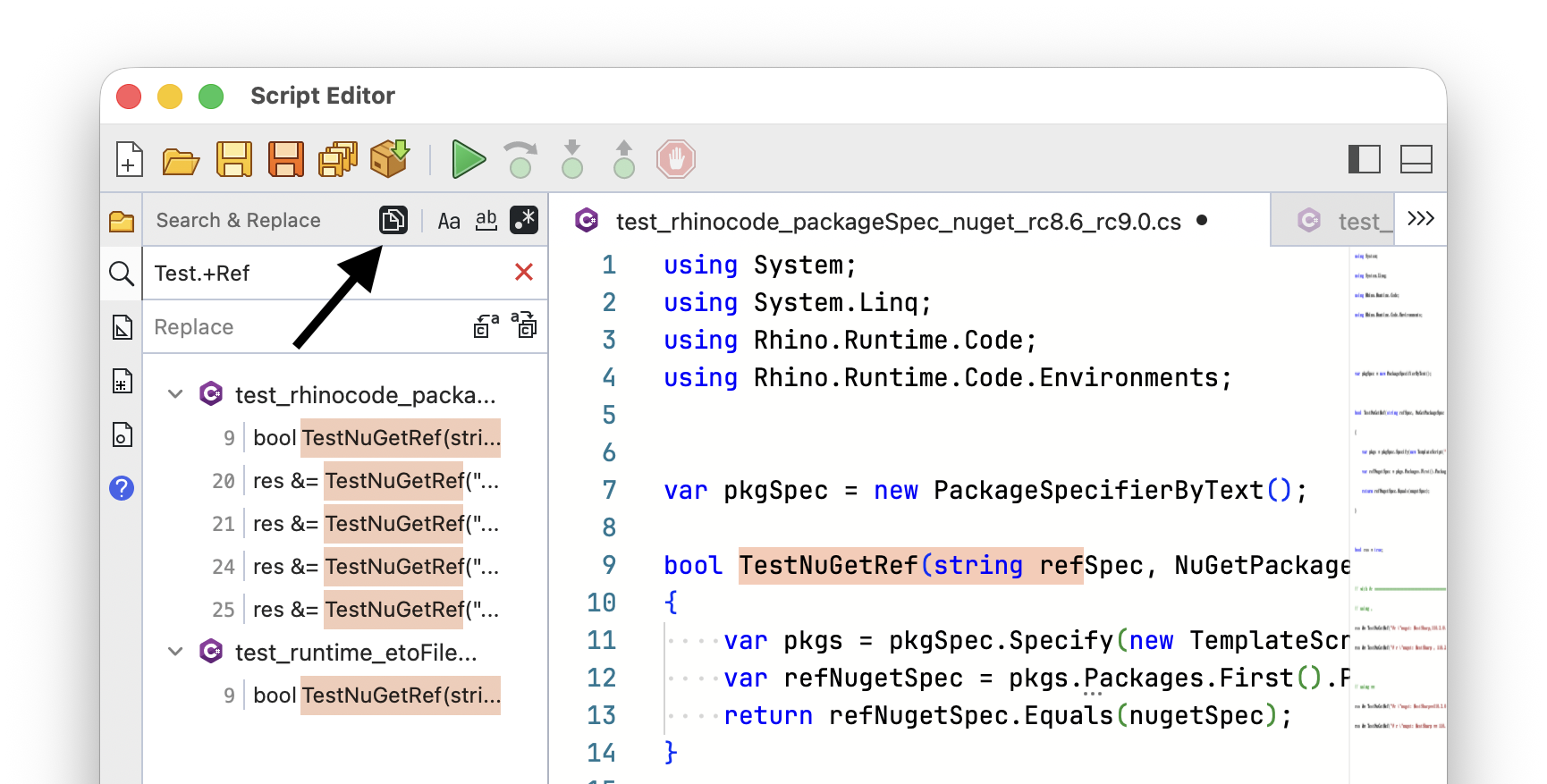
Only the active script is searched by default. Use Toggle Search Active or All Scripts on the panel header to search all your open scripts instead:
Replacing
Type in the replace box to replace matches. Replace replaces the next match, and Replace All replaces every match found:
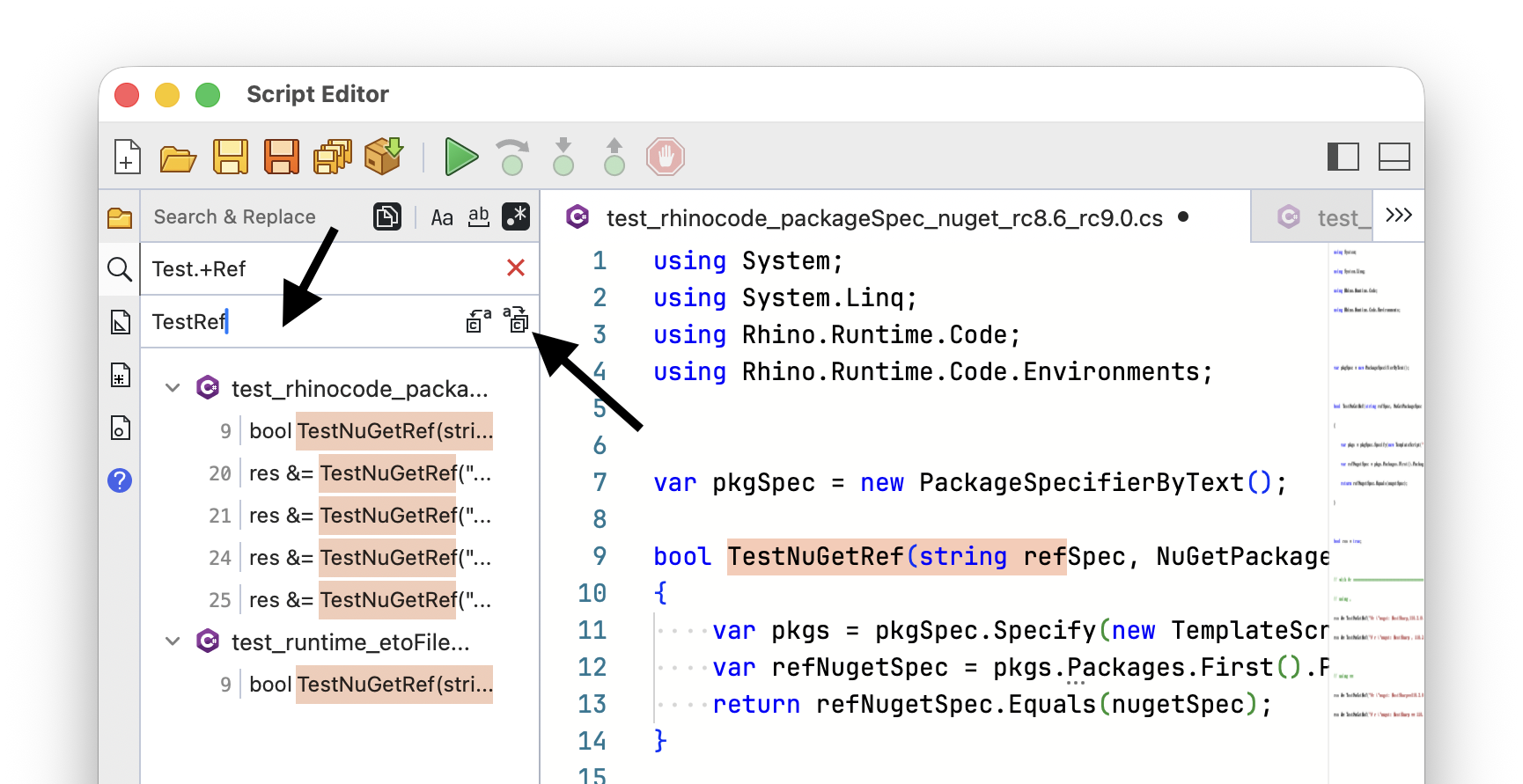
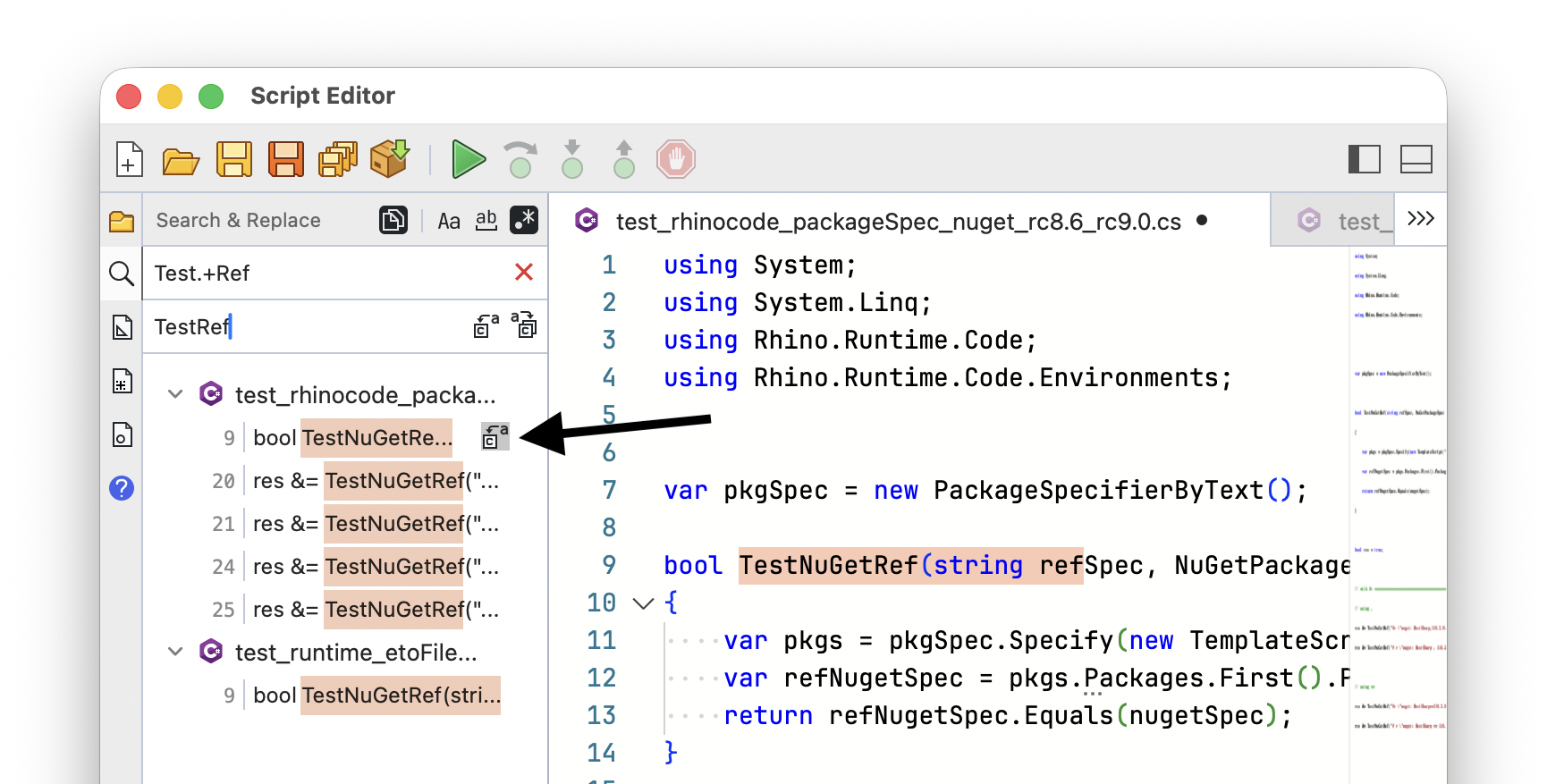
Hover a row for its own replace button. On a script it replaces all matches in that script, and on a match it replaces just that one: