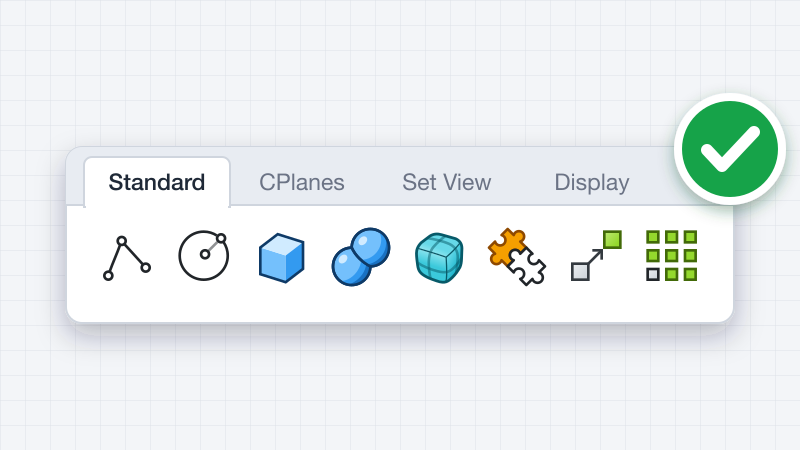
Rhino 9 brings a C++ SDK on Mac, Rhino.Compute on Linux, significant improvements to its code editor, support for CPython 3.13 and .NET 10, major improvements to our free SDKs, with API refinements, and the introduction of Grasshopper 2 as a development target. Some changes can also have an effect on your existing plugins.
Platforms and Targets

Rhino.Compute on Linux
Access the Rhino and Grasshopper SDKs through a stateless REST API. Now available on Linux Servers.

Getting Started with Grasshopper 2 Plugins
What to know before you write your first Grasshopper 2 plugin
SDK Enhancements
RhinoCommon
New APIs for Markups, Page View Groups, Worksessions, CSV File IO, Mesh Booleans and Curvature, and more...
Visual Studio 2026 for C++
The C++ SDK for Windows supports Visual Studio 2026, the v145 platform toolset, and C++20.
Scripting Updates

Changes That Can Affect Your Plugin
Be aware of these changes before you release a plugin for Rhino 9.
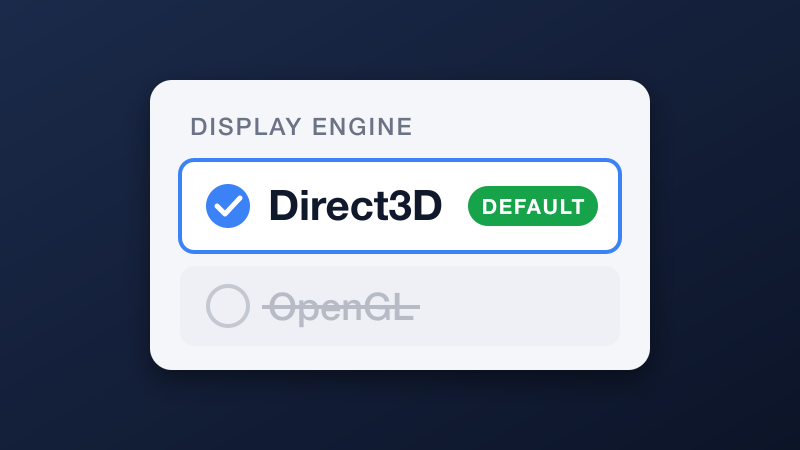
OpenGL Is Not the Default
Rhino 9 does not use OpenGL by default. Read this if your plugin calls OpenGL directly.
.NET Framework Is Deprecated
Move your plugins to .NET 10. Do not release new plugins that target .NET Framework only.

BinaryFormatter in Rhino.Inside
Hosts that use .NET 10 do not enable BinaryFormatter. Code that uses it will fail.